Photo organizing & cloud backup in Boise
Your photos, finally organized and safe
If your memories are scattered across phones, old computers, dusty drives, and shoeboxes of prints, take a breath. I’ll gather everything, organize it, and back it up in two places — so a lifetime of photos is finally in one calm, findable place.

The problem we solve
Photos everywhere, a plan nowhere
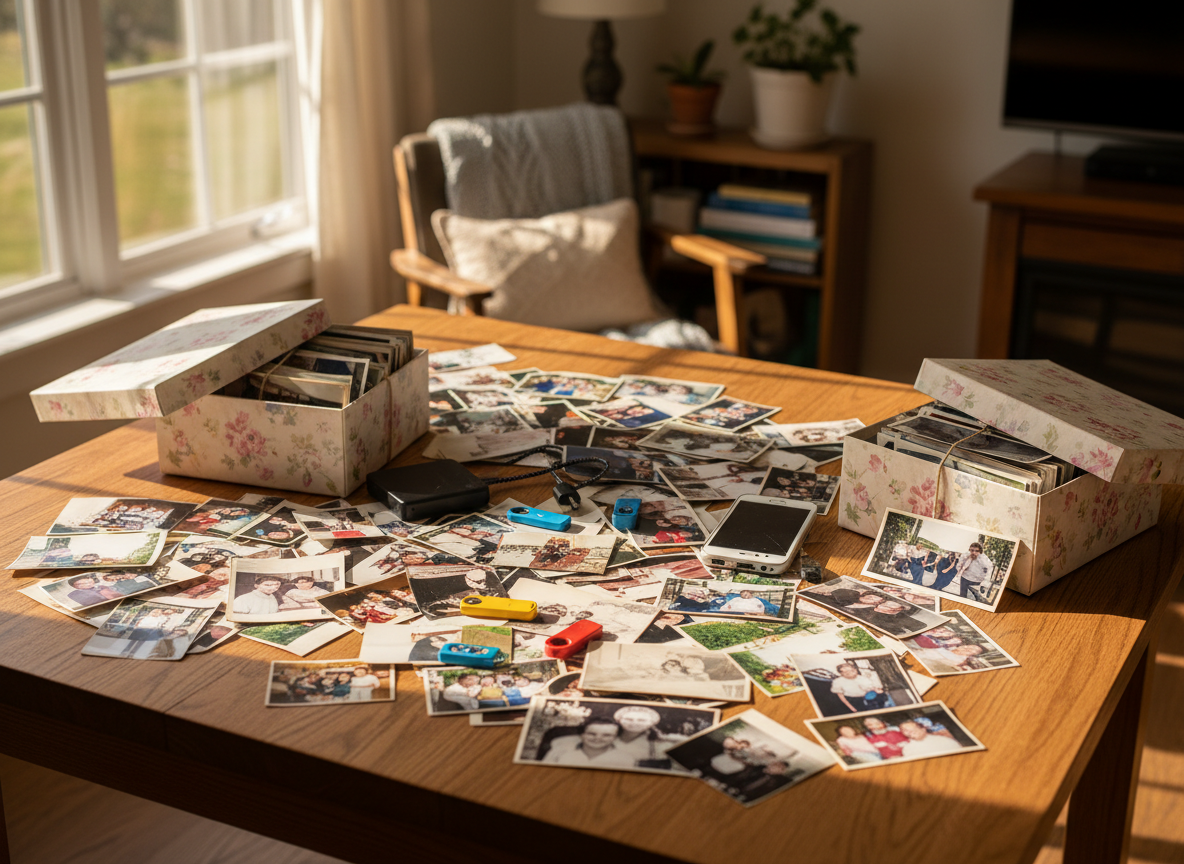
Your photos are spread across phones, old computers, USB drives, and boxes of prints in the closet. Most people have no real backup system — and quietly live with the fear of losing it all to a dead phone, a lost drive, or a spilled cup of coffee.
It doesn’t have to stay that way. Getting everything into one safe, organized place is exactly what I do.
The solution
Two copies of everything
Google Photos makes your memories easy to reach and share. The external drive makes sure they’re always yours — no matter what. Both cover every photo you own: digital files and scanned prints alike.
Copy one
Google Photos cloud
Accessible anywhere, searchable, shareable, and synced across every device. Your whole collection in your pocket.
Copy two
External hard drive
A physical backup that needs no internet and is yours forever — extra security you can hold in your hands.
What gets organized
If it holds a memory, it’s covered
No matter where your photos live now, they end up in one organized, backed-up place.
- Photos on your phone
- Computer folders and downloads
- Old external hard drives or USB drives
- Scanned printed photos and albums
- Photos from social media or email
- Any digital format
How the process works
Six calm steps, start to finish
01
Gather
We collect all your photo sources — digital and physical — from phones, computers, drives, and boxes of prints.
02
Scan
Printed photos and albums are scanned at high resolution, so the old memories live alongside the new.
03
Organize
Sort by date, event, or family member, and remove duplicates — so everything is findable, not just stored.
04
Upload
Everything goes into Google Photos with proper albums and labels, ready to browse and share.
05
Back Up
A complete duplicate copy is saved to an external hard drive, for a second layer of security.
06
Handoff
You walk away with an organized Google Photos library and your external drive — both fully yours.
Why Google Photos
Easy to reach, easy to find
Free, roomy, and smart
- Free storage up to 15GB, with affordable options beyond
- AI-powered search — just type “find photos of grandma”
- Automatic face grouping keeps people together
Simple for any age
- No technical experience needed — I walk you through everything
- Share albums with family members instantly
- Access your photos from any phone, tablet, or computer
Ready to finally get your photos under control?
I’ll handle everything — from the first shoebox to the final backup. All you have to do is book a consultation.

